About
Overview \ What it is
BroDynamics is more than just an overlap tool - it's an entire animator-friendly dynamics toolbox that allows you to easily simulate various physics effects for your animations, even with little to no technical knowledge about dynamics or rigging.
Simulate effects like:
- Overlaps and overshoots
- Jiggle, bounce, and noise
- Spring motion
- Polygon-perfect collisions for throwing objects (like props) around.
It's designed to work with any rig or lack thereof, any type of creature, character, prop... If you can animate it by hand, you can use BroDynamics to breathe more life into it!
Time-Saving Workflow
- No need to spend months learning Maya's dynamics for rigs.
- No need to spend days building dynamic systems into your rigs.
- No need to spend hours keyframing things that can be easily simulated.
- No need to learn more complex tools or plugins.
BroDynamics focuses on an efficient, simple, and intuitive workflow. The results can be easily shared and require no dependencies.
Yes, you can, of course, create a rig with built-in dynamics and fine-tune it to your needs. However, in a lot of cases, there is no time for this. Or it will make the rig too complex. Or you’re just an animator who’s been handed some rigs to animate.
Simplicity vs. Power
Some other, more advanced simulation tools have a steeper learning curve and often require a setup stage where you essentially need to create a physics rig for your character.
In BroDynamics, you just select your objects and click a button. Adjust settings, retry, repeat until you're satisfied, and save a preset that you can use again.
In contrast, some other simulation plugins and scripts offer only limited types of simulation and dynamics.
BroDynamics is the middle ground that offers a lot of flexibility while remaining easy to use, all wrapped in a polished custom UI with animated tooltips showing the effect of almost every tweakable setting.
Get Straight to the Results
All you need to do is select a few controls, adjust some settings, and click Simulate. It will do all the hard work for you, and you'll immediately see the result.
The simulation can follow existing movement. For example, you can have a very linear animation of a tail extending, then run the simulation to add some drag and overlap motion to it.
Would you like me to create a short, punchy version of this description for social media, or draft some bullet points for a feature list?
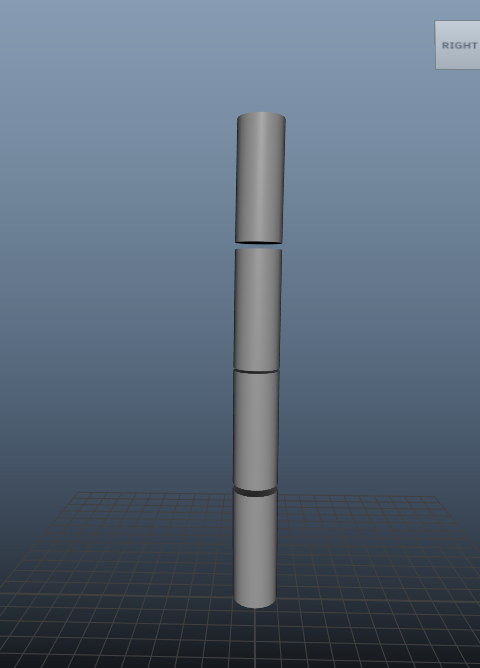
Let's take these 4 cylinders:
Add just a few key poses to them and see what BroDynamics' Chain mode can do for us:
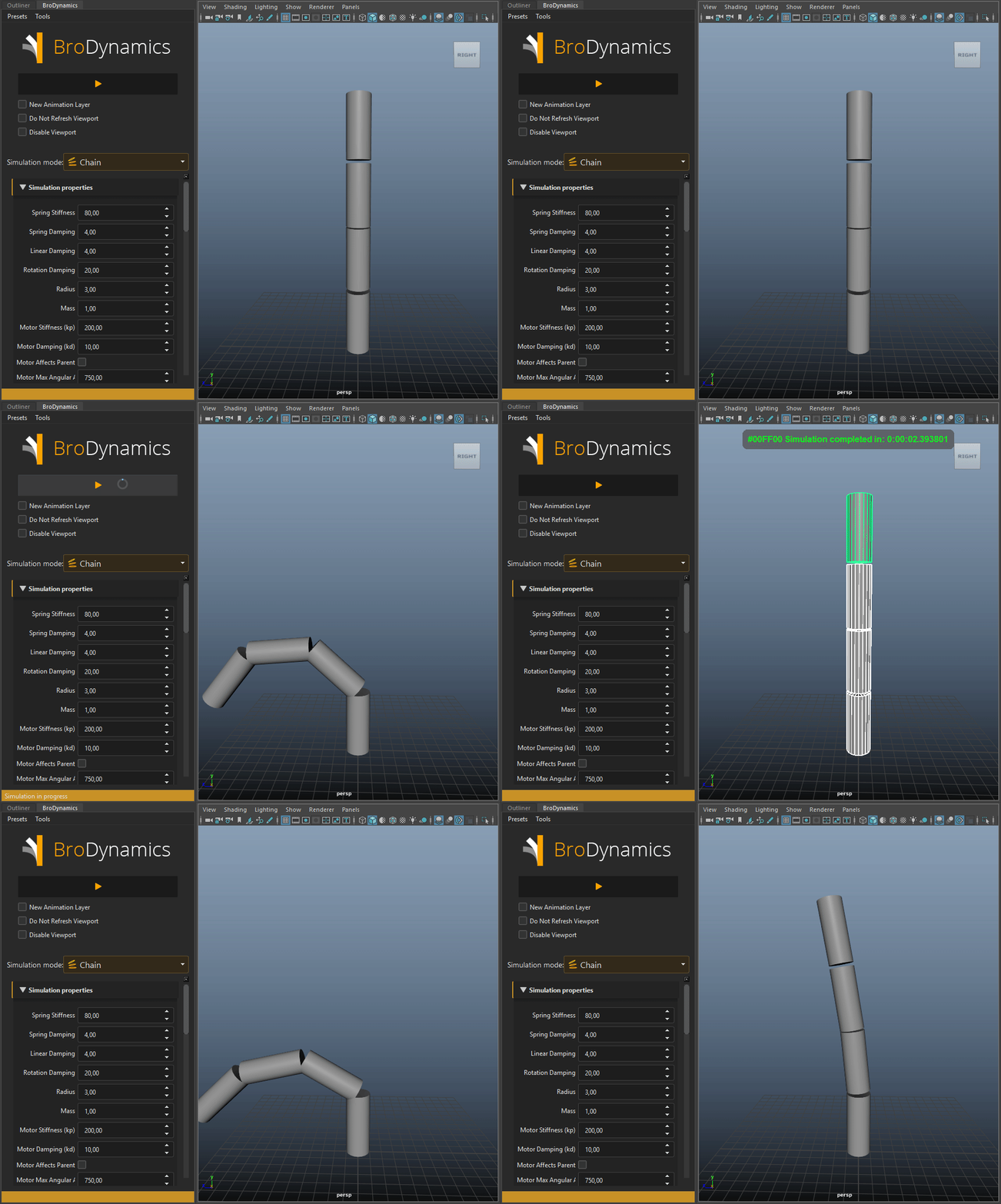
Cool, right?
What it is NOT
BroDynamics is not a rigging tool. It's animation is baked directly onto controls during simulation, which means the results can be easily shared, without requiring anyone to install BroDynamics on their system..
Installation & Updating
Refer to BroTools main installation guide
Video tutorials
- How I Animate Tails in 1 Minute Using Dynamics by Mark Masters
- Overlap Workflow using BroDynamics and Anim Layers by Graphite9 Animation
Compatibility and Support
BroDynamics is compatible with:
OS:
- Windows
- Linux
- Mac OS
Maya:
- 2016
- 2017
- 2018
- 2019
- 2020
Newer Maya versions, if unlisted, should be supported out of the box, unless there were some major API changes.
Versions prior to 2014 are not supported.
Legacy support for Maya 2014 and 2015
If you have to work with Maya 2014 or 2015 you may download the old 1.x version of BroDynamics. It has not been updated since 2.x was released, and lacks many of new features, but it will work with those versions of Maya. 1.x version is provided as is, do not expect any updates or bug fixes.
by Michael Davydov
michaeldavydov.com